 OpenMonth
Write directly on your month
No event forms. No popups. Click a day and type exactly what you need.
Open it. Click a day. Type.
OpenMonth is a beautifully simple Windows desktop calendar for people who want to see their month and write directly on it—without event forms, accounts, or unnecessary complexity.
14-day full-feature trial · No credit card required
Windows installation help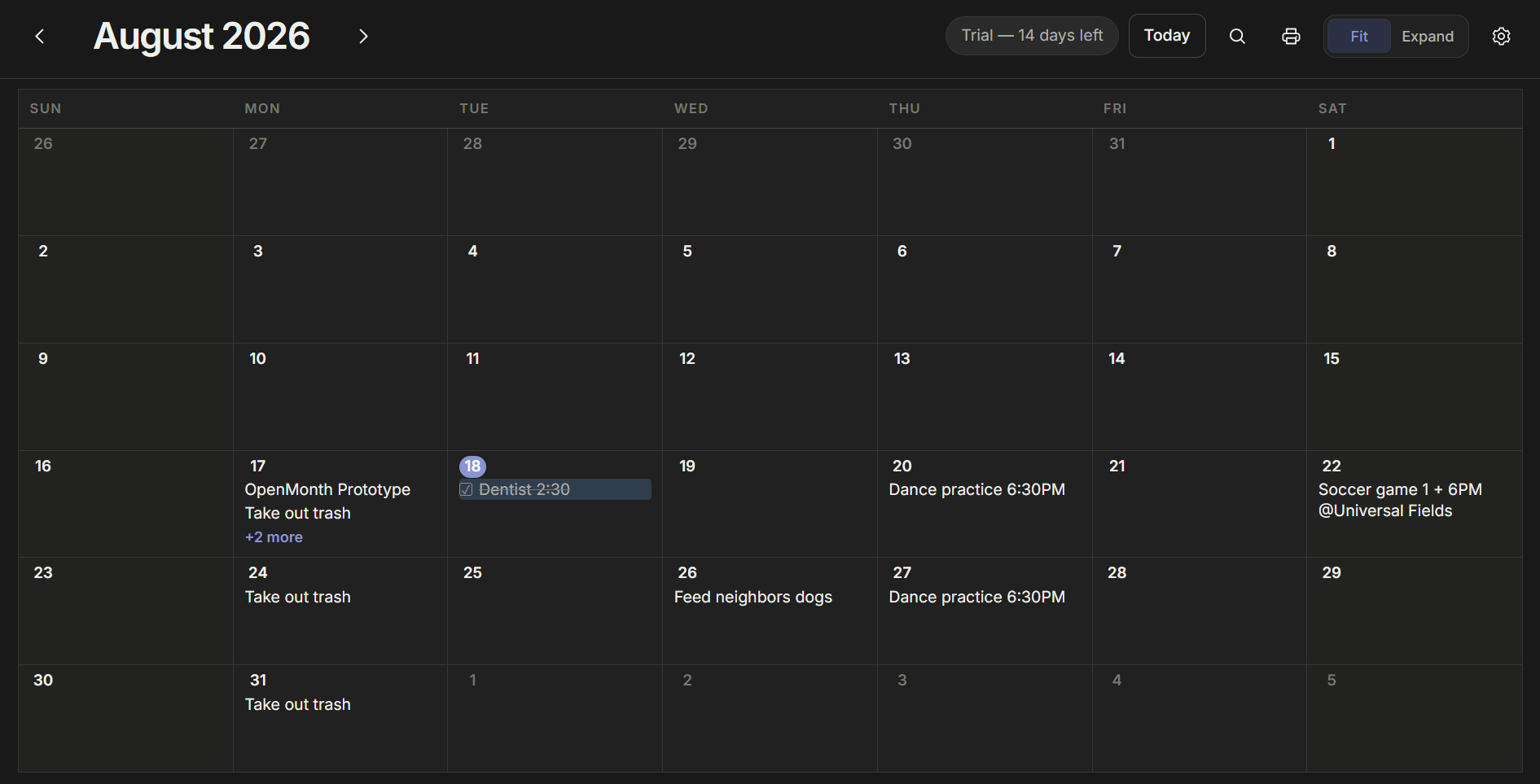
OpenMonth skips the ceremony of traditional calendar apps. Click any day and start typing. Press Enter for another line. Move things when plans change. Your month stays readable no matter how busy it gets.
No event forms. No popups. Click a day and type exactly what you need.
Fit Month keeps the whole month visible. Open a busy day for more room, or expand the calendar to see everything you've written.
Drag entries between days, reorder your plans, check things off, and highlight what matters.
Search everything you've written across months and years without sending your calendar anywhere.
OpenMonth stores your calendar locally, with manual backups and automatic recovery versions. No account required.
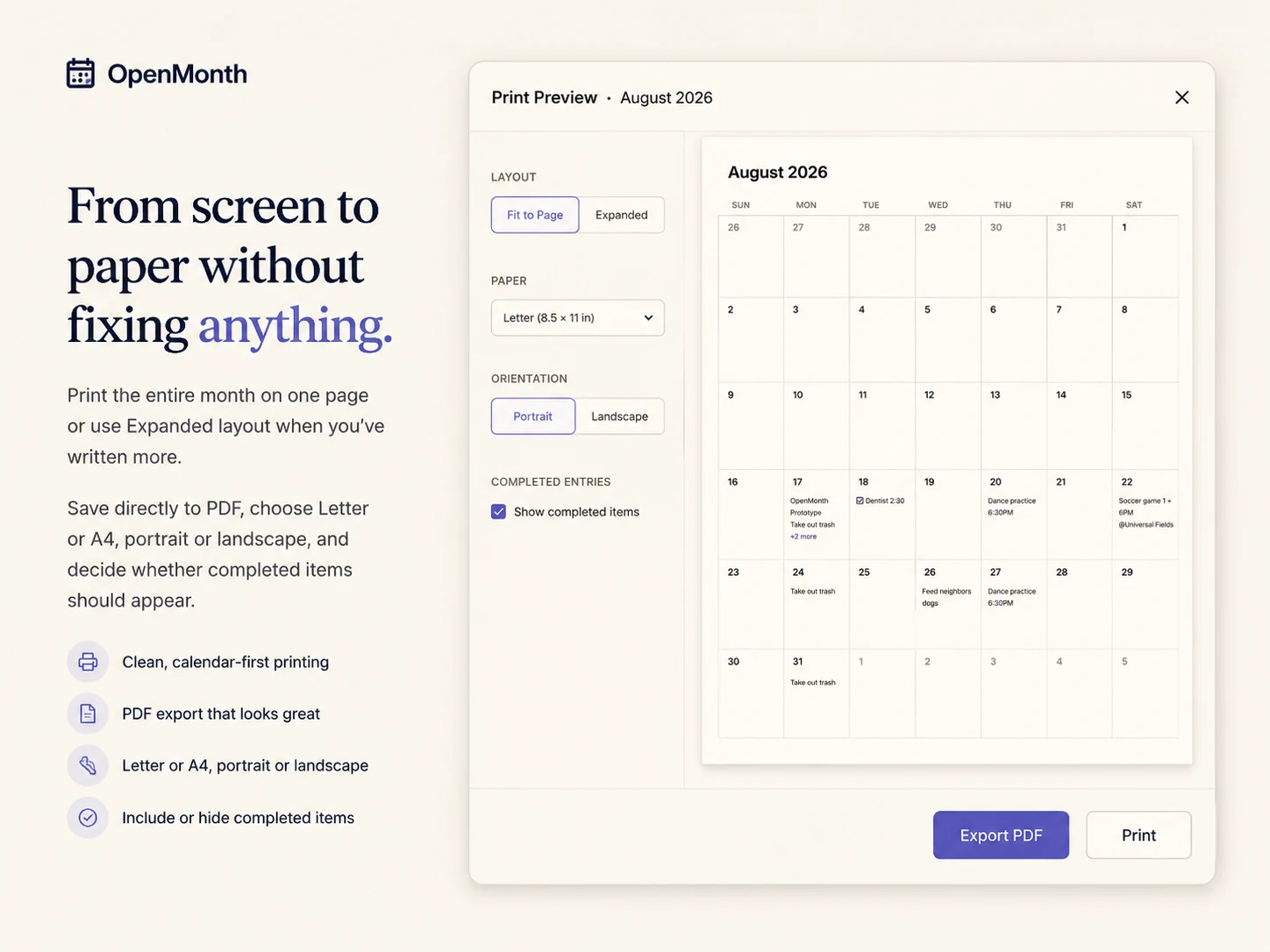
Create polished monthly prints and PDFs in Letter or A4, portrait or landscape.
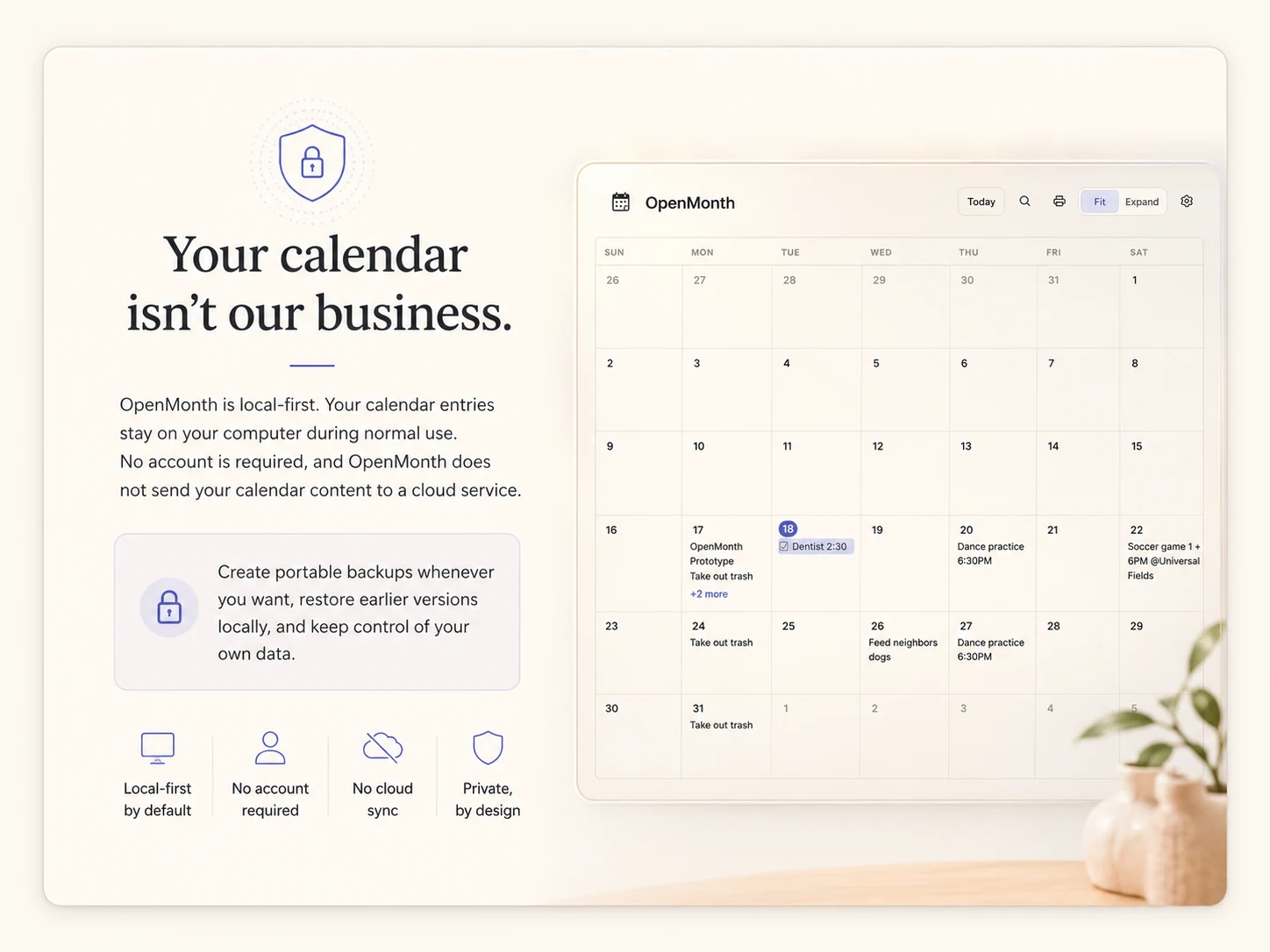
OpenMonth is local-first. Your calendar entries stay on your computer during normal use. No account is required, and OpenMonth does not send your calendar content to a cloud service.
Create portable backups whenever you want, restore earlier versions locally, and keep control of your own data.
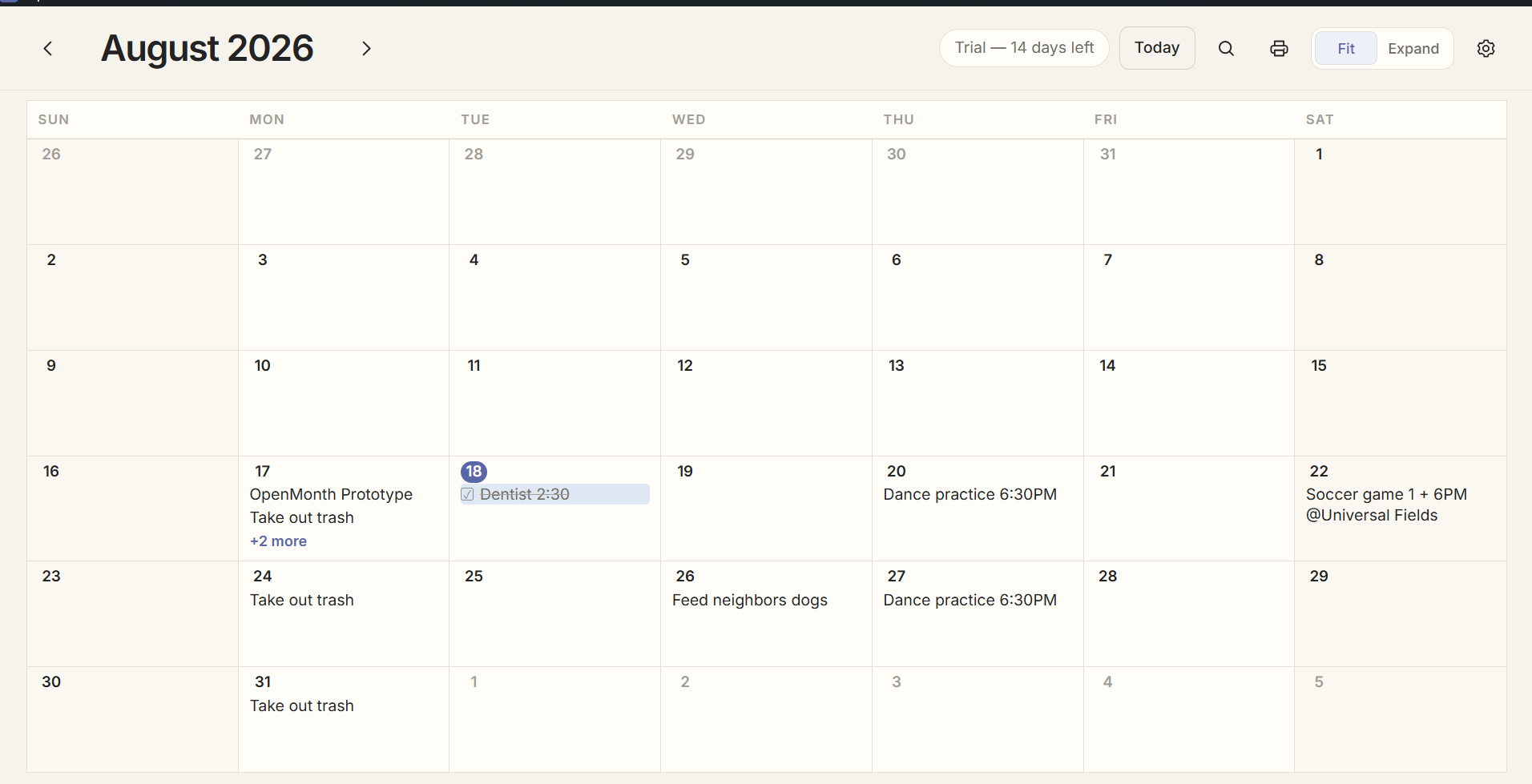
Choose System, Light, or Dark. Light Mode uses a warm paper-inspired palette; Dark Mode keeps things soft and easy on the eyes.
Print the entire month on one page or use Expanded layout when you've written more. Save directly to PDF, choose Letter or A4, portrait or landscape, and decide whether completed items should appear.
One-time purchase
14-day full-feature trial · No credit card required
Try OpenMonth free for 14 days. If you decide to keep it, purchase a lifetime license for $24.99. Your license key will arrive by email—open OpenMonth, choose Activate License, and paste it in.
OpenMonth is deliberately straightforward. Here are the useful details.
OpenMonth is a Windows desktop calendar built around a simple idea: open your month, click a day, and write directly on it.
No. OpenMonth is designed to work without an account.
Your calendar is stored locally on your computer. OpenMonth also supports portable backups and local recovery versions.
Yes. OpenMonth includes Print Preview, one-page and expanded layouts, Letter and A4 paper sizes, portrait and landscape orientation, and PDF export.
No. OpenMonth is a $24.99 one-time purchase with a 14-day full-feature free trial.
Windows 10 and Windows 11, 64-bit.
Normal calendar use is local-first. A purchased installation is designed to remain usable offline after activation.